
Customer meetings generate a wealth of valuable information. However, not all the important details always make their way into Pipedrive, as finalizing meeting notes and updating customer records can easily fall behind other priorities.
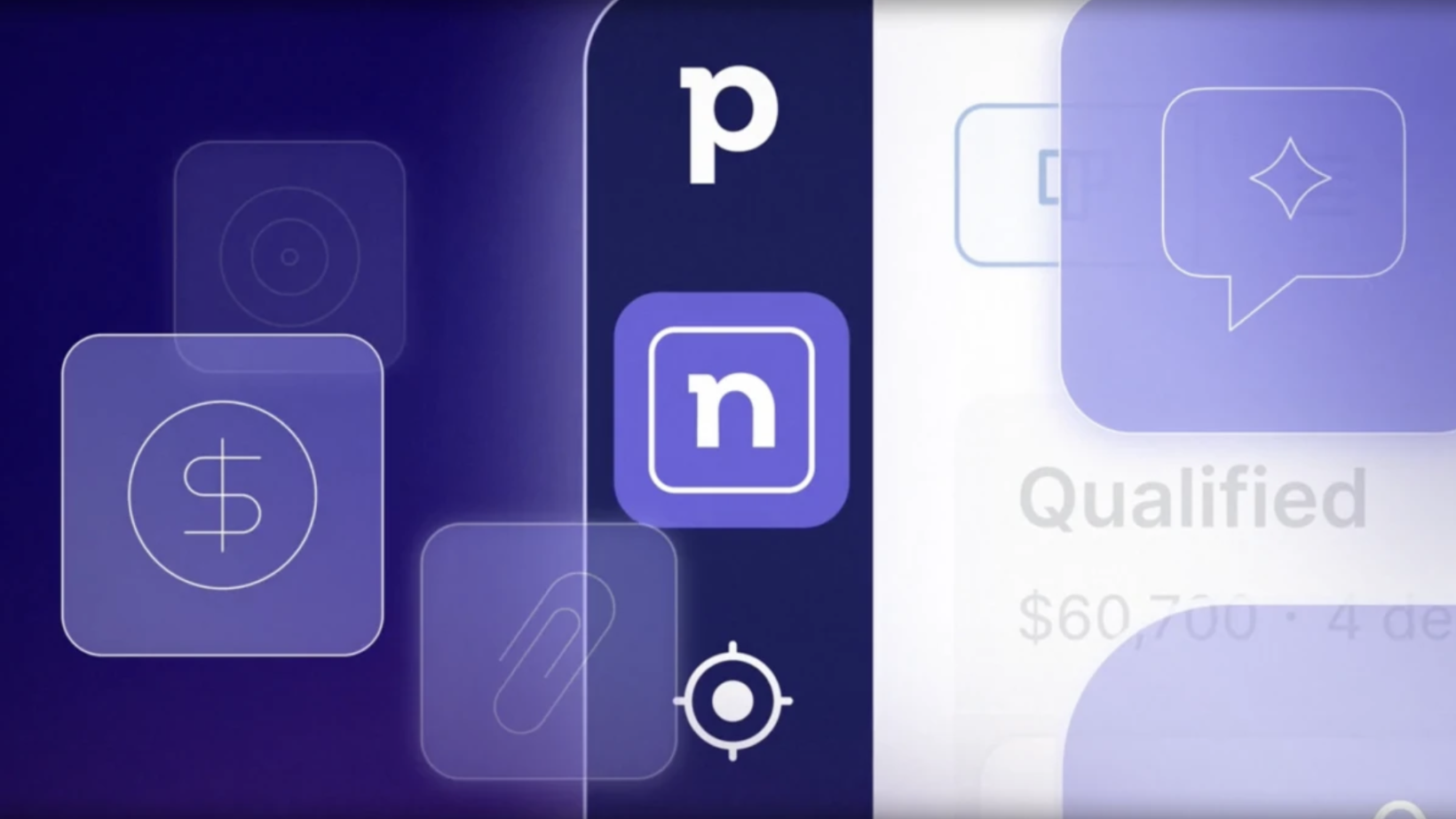
Pipedrive Nova is an AI-powered meeting assistant designed to help sales professionals prepare for meetings, transcribe conversations, and manage follow-up activities. Nova does not conduct meetings on behalf of salespeople or independently update customer records. Instead, it helps users prepare more effectively and reduces the need for manual data entry. Users review Nova’s suggestions before saving any changes to Pipedrive.
Nova is included in all subscription plans at no additional cost. Company administrators can control which users have access to Nova. In this article, we’ll take a closer look at Nova’s features and how they work.
What Can Pipedrive Nova Do?
- Gather relevant information about deals, customers, and previous activities before meetings.
- Create meeting preparation briefs to help users get ready for upcoming conversations.
- Transcribe virtual and in-person meetings using AI Notetaker or Nova Companion.
- Generate summaries highlighting the key points discussed during meetings.
- Identify agreed follow-up actions and next steps.
- Suggest updates to Pipedrive records based on information shared during meetings.
- Save meeting summaries as notes in Pipedrive.
Get Up to Speed on Your Customer Before the Meeting
Before an upcoming meeting, Pipedrive Nova creates a preparation brief based on information already stored in Pipedrive. It can draw on deal details, previous notes, recent activities, and the history associated with relevant contacts and organizations.
If users separately connect their Gmail account to Nova, emails can also provide additional context for meeting preparation. Pipedrive’s standard email synchronization alone is not sufficient for this purpose. Google Calendar and Outlook events can be made available to Nova either through Pipedrive’s calendar synchronization or by connecting the calendar directly to Nova.
Meeting preparation briefs are particularly useful when some time has passed since the previous customer meeting or when a salesperson manages several customer accounts. Instead of reviewing the entire activity history line by line, Nova brings the most relevant information together in one place.
For example, a salesperson preparing for a follow-up meeting might be reminded that a proposal has already been sent to the customer, that the CFO is also involved in the decision-making process, and that a question about the implementation timeline remained unresolved during the previous discussion.
Preparation briefs can also be customized with specific instructions. Users can ask Nova to pay particular attention to customer goals, decision-makers, budgets, or timelines when preparing for future meetings.
Let Nova Take Care of Meeting Notes
Pipedrive Nova can transcribe meetings in two different ways. AI Notetaker joins Google Meet, Microsoft Teams, or Zoom meetings as a visible participant.
The second option is Nova Companion, a desktop application available for Mac and Windows. It captures audio from the computer without requiring a separate meeting bot to join the conversation.
Nova Companion also supports other VoIP services used on a computer. However, the call or meeting must already be visible in Nova beforehand. It must either appear in a synchronized calendar or be recorded as a Pipedrive activity that Nova recognizes as a meeting. Users can select which Pipedrive activity types are included in Nova through its settings.
In Zoom, Microsoft Teams, and Google Meet, Nova can identify speakers by name. In other VoIP calls, speakers may be identified more generally, such as “host” and “participant,” meaning speaker identification may be less accurate.
Nova Companion can also transcribe in-person meetings, provided the computer’s microphone can capture the conversation clearly enough.
For example, during a customer needs assessment, a salesperson no longer needs to try to write down every answer while the customer is speaking. Instead, they can focus on the conversation and review the transcript afterwards to check exactly how something was expressed. Timestamps make it easier to return to a specific part of the discussion.
It is important to remember that meeting participants must always be appropriately informed about transcription. Nova provides settings for managing how participants are notified and how their consent or refusal is handled. However, the meeting organizer remains responsible for complying with applicable laws, company policies, and participants’ choices.
Turn Meeting Discussions into Clear Follow-Up Actions
After a meeting, Pipedrive Nova generates a summary based on the transcript. The summary can include key discussion points, agreed follow-up actions, potential risks, and recommended next steps.
For example, if a customer promises to provide a user list by Friday and the salesperson agrees to send an updated proposal on Monday, Nova can identify both commitments as follow-up actions.
This means users do not have to reconstruct the entire meeting from memory or search through their own notes to find individual action points.
According to Pipedrive’s current documentation, follow-up actions appear in Nova’s post-meeting summary. However, the documentation does not indicate that Nova automatically creates new Pipedrive activities based on these actions. It is therefore worth reviewing the agreed tasks and, when necessary, adding them as activities in Pipedrive.
The length and style of meeting summaries can be customized. Users can choose between concise and more detailed summaries and specify which information should be emphasized.
Meeting summaries can also be saved as notes associated with the relevant deal, contact, or organization in Pipedrive.
Keep Pipedrive Records Up to Date with Full Control
Pipedrive Nova can suggest changes to CRM fields based on information discussed during a meeting. These suggestions may concern deal fields, expected close dates, labels, or contact details associated with people and organizations.
For example, if a customer mentions that their purchasing decision has been postponed until the following month or provides a new phone number during a meeting, Nova can suggest updating the relevant information.
The current and suggested values are displayed side by side, allowing users to review the differences and approve only the changes they want to save.
Nova does not automatically modify CRM records. This is also important for maintaining data quality, as AI-generated interpretations may occasionally be incomplete or incorrect. Suggested changes should therefore be reviewed with the same care as manually written notes.
Nova is enabled by default for Pipedrive users. When using Nova for the first time, users complete a guided onboarding process, during which they accept the terms of use and configure settings related to their calendar, email, and meetings.
Administrators can enable or disable Nova for individual users by navigating to Settings > Manage Users > Users and Access. Nova is managed as a single permission set, meaning its individual features cannot be assigned to users separately.
The practical value of Nova comes from bringing meeting preparation, conversations, and follow-up activities together into one connected workflow.
It helps salespeople save time on administrative tasks while ensuring that responsibility for data accuracy and final decisions remains firmly in human hands.